VM Supreme Pending Withdrawal: Why Your Cashout Is Stuck and What Happens Next
What "Pending" Status Means on VM Supreme
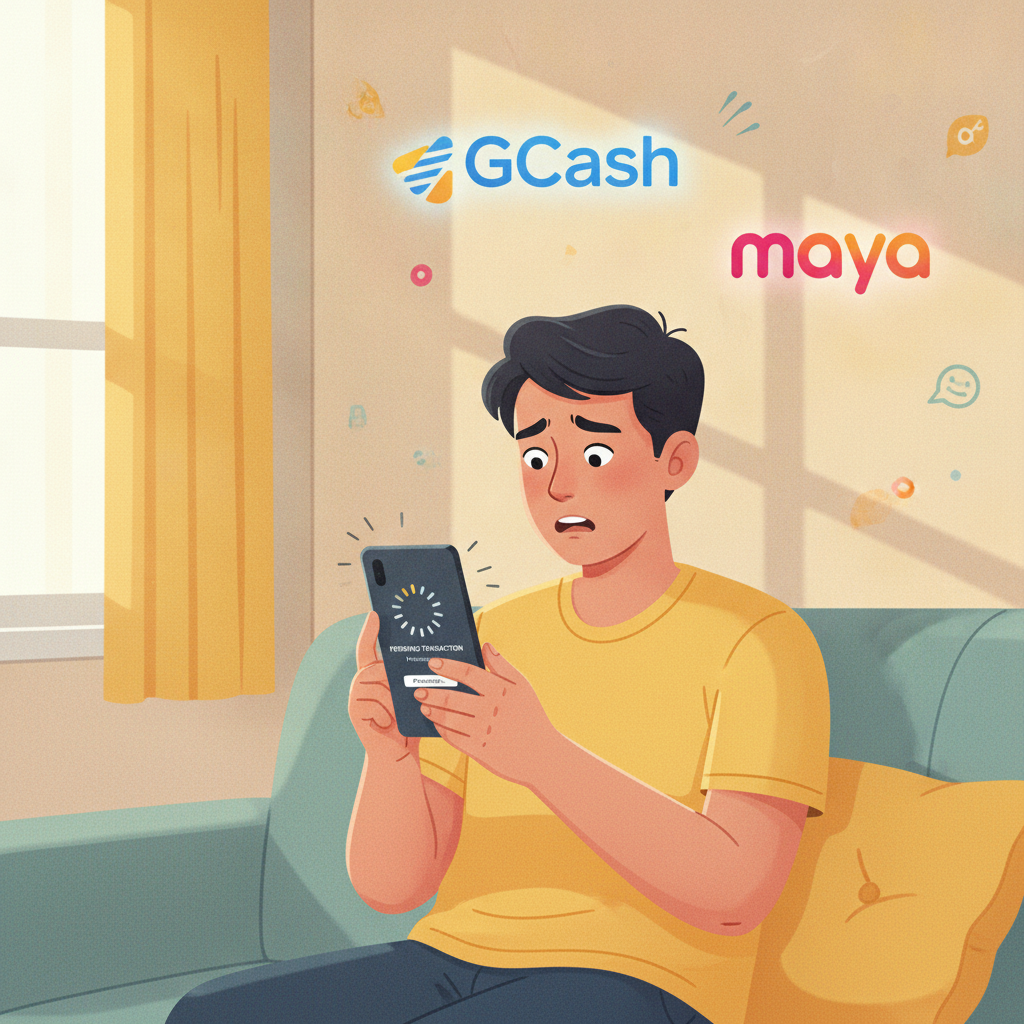
When you request a withdrawal from VM Supreme and see "pending" in your transaction history, the platform has received your cashout request but has not yet released the funds to your GCash, Maya, or bank account. Pending status is a holding stage where the operator reviews the transaction before approving it.
Every VM Supreme withdrawal passes through an internal queue. The system checks that the account holder placed the withdrawal, that the funds are eligible for cashout, and that the request meets the platform's policies. This applies whether you are cashing out PHP 500 or PHP 50,000, though larger amounts and first-time withdrawals receive closer scrutiny.
The pending stage is not the same as "processing" or "completed." While your cashout shows as pending, the money remains in your VM Supreme account balance and has not been sent to your e-wallet or bank. VM Supreme holds the funds until compliance and verification checks are finished.
How Long Verification and Compliance Checks Take
For repeat withdrawals to a verified payment method you have used before, pending status typically lasts 30 minutes to 4 hours. Once approved, the funds move to GCash or Maya within minutes, or to your bank via InstaPay in under an hour during banking hours.
First-time cashouts or withdrawals to a new e-wallet or bank account take longer—often 12 to 48 hours—because VM Supreme's compliance team manually reviews the transaction. The platform verifies that the registered account name matches the name on the GCash, Maya, or bank account receiving the money.
Large withdrawals above PHP 10,000 may also trigger extended review, especially if the cashout is significantly larger than your typical deposit history. The compliance team checks source-of-funds records and account activity. In these cases, pending status can stretch to 24 to 72 hours.
Weekend and holiday requests take longer. VM Supreme processes withdrawals seven days a week, but bank transfers over InstaPay and PESONet only settle during weekday banking hours. If you request a bank withdrawal late Friday, it may stay pending until Monday morning when the banking network reopens.
If your VM Supreme withdrawal remains pending beyond 72 hours, contact customer support through live chat or the in-app help center. Provide your transaction ID and the date you submitted the cashout request.
Documents or Screenshots Support May Request
VM Supreme may ask you to submit additional documents before releasing a pending withdrawal. These requests usually arrive via email or appear as a notification when you log in to the app or website. Common document requests include:
- Valid government-issued ID: Passport, driver's license, UMID, PhilHealth ID, or postal ID. The name must match your VM Supreme account registration.
- Proof of e-wallet or bank account ownership: A screenshot of your GCash or Maya profile showing your full name and mobile number, or a bank statement or passbook photo showing your account name and number.
- Selfie verification: A photo of yourself holding your ID next to your face, often called a "selfie with ID."
- Deposit receipt or transaction history: A screenshot from GCash, Maya, or your bank app showing the deposit you made to VM Supreme, with date, amount, and reference number visible.
Support may also request a source-of-funds declaration if your withdrawal is substantially larger than your deposit history or if your account shows irregular activity. This is standard anti-money-laundering procedure.
How to submit documents:
- Check your registered email or the VM Supreme app inbox for instructions from support.
- Save clear, readable photos or scans of each requested document. Avoid blurry images or cropped corners.
- Reply to the email or upload files through the support ticket system in the app.
- Wait for confirmation that your documents have been received and approved.
Most document reviews finish within 24 hours on weekdays, though it may take up to 48 hours if submitted during weekends or public holidays. Once approved, your pending withdrawal moves to "approved" status and the funds are released.
Difference Between Pending, Approved and Completed Withdrawal Stages
VM Supreme cashouts pass through three stages before money reaches your account:
Pending
The withdrawal request is submitted and waiting for internal review. Funds are still held in your VM Supreme balance. You can usually cancel a pending withdrawal from your transaction history if you change your mind, though this option disappears once the status changes to approved.
Approved
VM Supreme has cleared the withdrawal and sent the payout instruction to the payment processor. The funds leave your VM Supreme account balance and enter the settlement pipeline. At this point, you cannot cancel the transaction.
For GCash and Maya, approved cashouts typically arrive in your e-wallet within 5 to 30 minutes. For InstaPay bank transfers, expect 15 minutes to 2 hours during banking hours (usually 8 AM to 5 PM on weekdays). PESONet transfers settle the next banking day.
Completed
The money has landed in your GCash, Maya, or bank account and the transaction is closed. You will receive a confirmation notification from VM Supreme and a separate notification from your e-wallet or bank.
If your withdrawal is approved but does not reach your account within the expected timeframe, check that:
- Your GCash or Maya wallet is not suspended or under maintenance.
- Your bank account number and name are correct in your VM Supreme profile.
- Your e-wallet has not hit daily or monthly receiving limits.
If the approved cashout still does not arrive after 24 hours, contact VM Supreme support with your transaction ID and the payment method you selected.
Common Reasons a VM Supreme Withdrawal Stays Stuck on Pending
Understanding why a cashout remains pending can help you resolve the issue faster:
- Mismatched account details: The name on your VM Supreme account does not match the name registered to your GCash, Maya, or bank account. Support will ask you to update your details or provide proof of ownership.
- Incomplete wagering requirements: If you claimed a bonus or free spins, VM Supreme may hold your withdrawal until you meet the rollover requirement. Check the "My Bonuses" or "Promotions" tab in your account for any active conditions.
- First withdrawal from a new device or IP address: Logging in from a new location or device can trigger a security review.
- Duplicate or frequent cashout requests: Submitting multiple withdrawal requests in a short period can flag your account for manual review.
- Outstanding verification: Your account may not be fully verified. Check your profile settings to see if ID verification is listed as "pending" or "incomplete."
Always ensure your registered mobile number and email address are active and accessible. VM Supreme may send one-time PINs or verification links to confirm withdrawal requests.
What to Do If Your VM Supreme Cashout Remains Pending for Days
If your pending withdrawal does not move forward within 72 hours, follow these steps:
- Log in to your VM Supreme account and check your inbox or notifications for messages from support. You may have missed a document request.
- Contact live chat or email support with your transaction ID, withdrawal amount, and the date you submitted the request. Ask for a status update and whether any additional information is needed.
- Avoid submitting duplicate withdrawal requests. Canceling and re-submitting the same cashout can reset the review process and cause further delays.
- Check your payment method. Log in to GCash, Maya, or your bank app to confirm there are no restrictions or issues on the receiving end.
Most delays are resolved within one to two business days after you provide the requested documents or clarify account details. VM Supreme processes the majority of cashouts without issues once verification is complete.
Age Restriction and Responsible Gambling Reminder
VM Supreme is restricted to players 21 years of age and older. Underage gambling is illegal in the Philippines, and all accounts are subject to age verification.
If you find yourself withdrawing funds because gambling is affecting your finances or well-being, VM Supreme offers responsible-gambling tools including deposit limits, cooling-off periods, and self-exclusion. Contact support to activate these controls or visit a local support organization for confidential assistance.
Set a budget for deposits and withdrawals, and only gamble with money you can afford to lose. Keep track of your cashout requests and review your transaction history regularly to stay in control of your spending.